









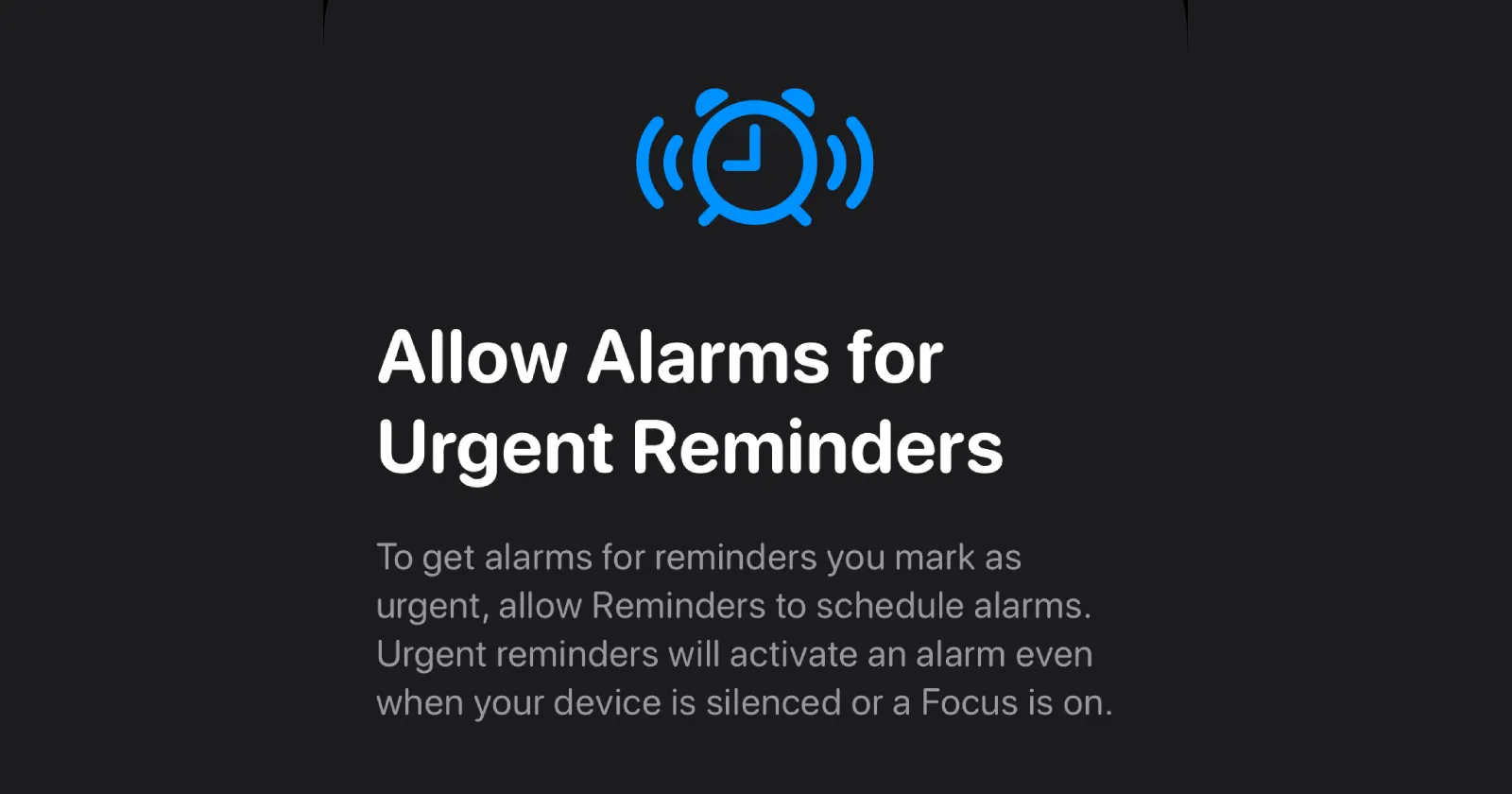
Apple just rolled out iOS 26.2 with one of the most requested features in years: an “Urgent” toggle in the Reminders app that triggers a full alarm instead of a forgettable notification. But if you’ve updated and can’t find it anywhere, you’re not losing your mind. The toggle only appears under very specific circumstances, and Apple hasn’t exactly shouted about the limitations.
Here’s the catch. The Urgent feature only works for reminders that are synced to iCloud. If you’re creating local reminders (ones that live only on your device and don’t sync to the cloud), the toggle simply won’t appear. This isn’t a bug. It’s how Apple designed it, though they didn’t make this clear in the update notes.
Users across Apple Support forums and Reddit have been scratching their heads for days. One user, turkey101, spent hours troubleshooting before realizing the issue: their local reminders had zero access to Urgent, while their iCloud-synced lists showed the toggle immediately.
Another Reddit user, tammster1, had the same revelation after “about an hour screwing with this”.
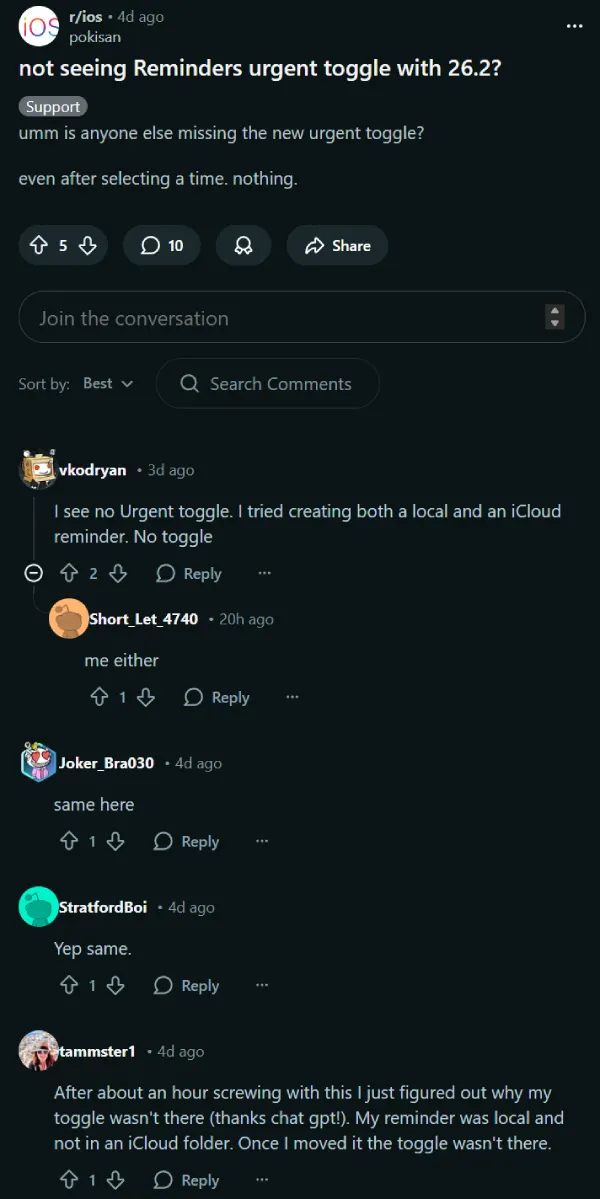
To check if your reminders are syncing to iCloud, head to Settings > [your name] > iCloud and make sure the Reminders toggle is turned on. If it’s off, flip it on. Any new reminders you create after that will automatically sync to iCloud and give you access to the Urgent option.
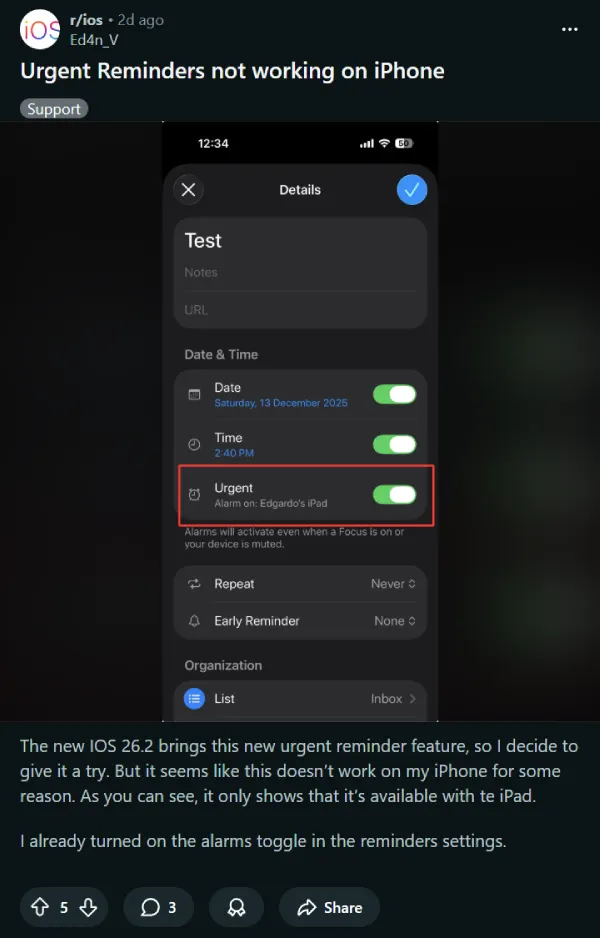
But even that doesn’t guarantee it’ll work. Some users with iCloud sync already enabled are reporting a different problem: the Urgent toggle only appears on one device in their ecosystem. Reddit user superwOLF412 complained that despite having multiple Apple devices, “they all keep going to 1 device”. User Ed4n_V posted a screenshot showing the feature working on their iPad but completely missing on their iPhone, even with proper settings enabled. It appears to be a syncing bug that Apple hasn’t acknowledged yet.
Local reminders don’t just miss out on Urgent alarms. They also lack Tags, Subtasks, and other advanced features that iCloud-synced reminders have enjoyed for years. It’s a tiered system that Apple’s never really advertised, and most people don’t realize exists until a shiny new feature doesn’t show up.
Why does Apple limit features this way? The official answer is vague, but it likely comes down to server-side processing and cross-device syncing. The Urgent alarm system uses Live Activities and persistent notifications that need to work across your iPhone, iPad, and Mac simultaneously. Local reminders can’t do that.
The fix is simple: switch all your lists to iCloud sync. You’ll not only get access to Urgent alarms but also ensure your reminders survive if your phone takes a swim. With iOS 26.3 likely not far off, we’re hoping Apple clarifies these limitations upfront or, better yet, brings more features to local lists.
TechIssuesToday primarily focuses on publishing 'breaking' or 'exclusive' tech news. This means, we are usually the first news website on the whole Internet to highlight the topics we cover daily. So far, our stories have been picked up by many mainstream technology publications like The Verge, Macrumors, Forbes, etc. To know more, head here.



Dwayne Cubbins
1453 Posts
For nearly a decade, I've been deciphering the complexities of the tech world, with a particular passion for helping users navigate the ever-changing tech landscape. From crafting in-depth guides that unlock your phone's hidden potential to uncovering and explaining the latest bugs and glitches, I make sure you get the most out of your devices. And yes, you might occasionally find me ranting about some truly frustrating tech mishaps.


Follow Us

