









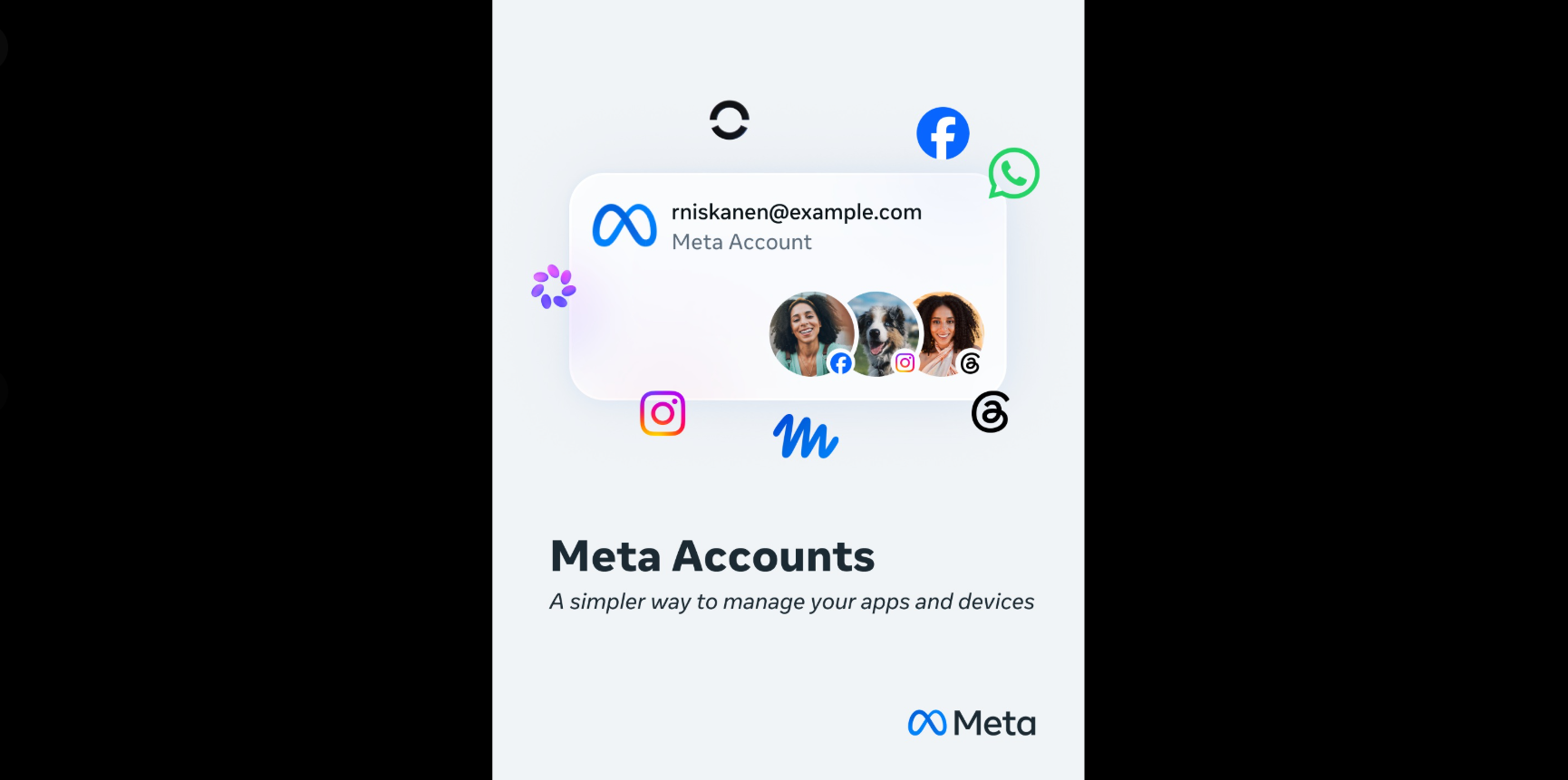
A lot of Meta customers – including those using Facebook, Instagram etc. – have recently received a notification like “You’ll be updated to a Meta Account in the next few weeks,” “Your Meta Account is here,” or “You’re now using a Meta Account“. Many are confused as what is this all about and will it change anything when it comes to their day-to-day usage of the social platform.
In this article, we will take a deep dive to understand what the new Meta Account is, how is it related to Accounts Center, and what all changes – or as Meta puts it, “improvements” – the new feature brings along.
What exactly is Meta Account?
Meta – the company behind Facebook, Messenger, Instagram, Threads, Whatsapp, etc – has been working hard to centralize user settings. Back in 2023, it launched Accounts Center as a way to find and manage certain settings centrally. The idea was to make it easier for people who use multiple apps to manage their settings.
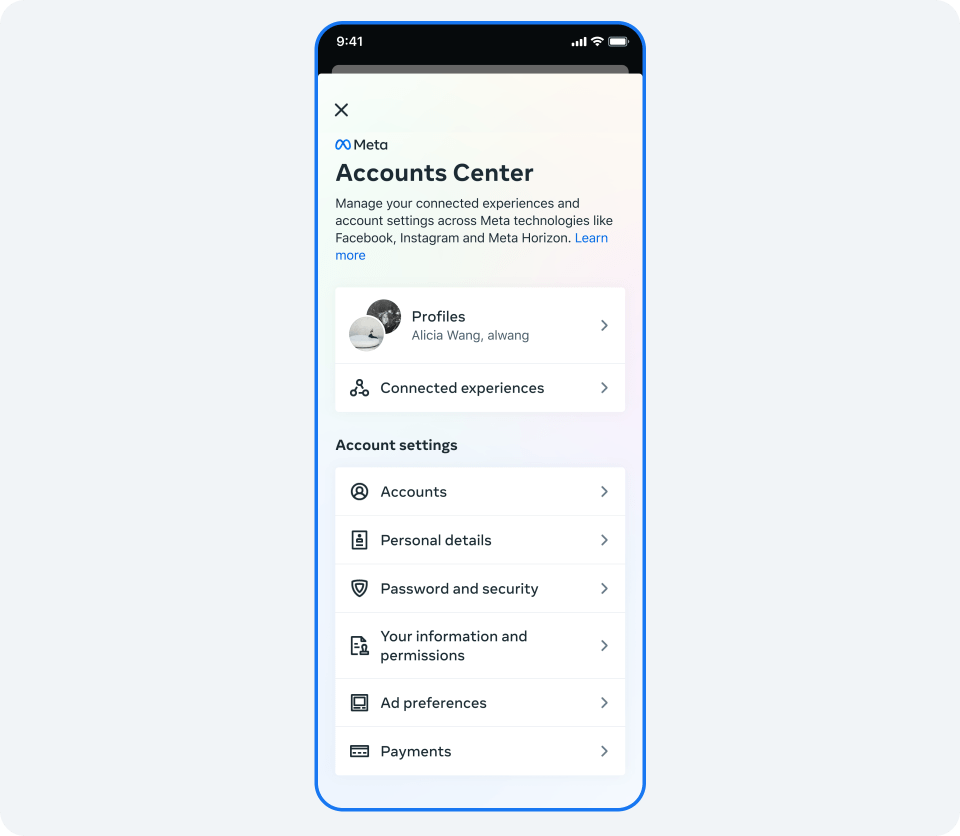
Building on that, earlier this year, they not only announced certain improvements to Account Center, but also rebranded it to Meta Account.
So, what all changed? Well, here’s how Meta puts it:
Settings that apply across Meta apps and devices are managed in one place through your Meta Account — similar to how Accounts Center works today. Now, more settings can be centrally managed this way, including your password, two-factor authentication, and the email address associated with your account. Because these don’t change from app to app, you shouldn’t have to update them separately.
Other changes that come along are easier sign in process and better protections for your data.
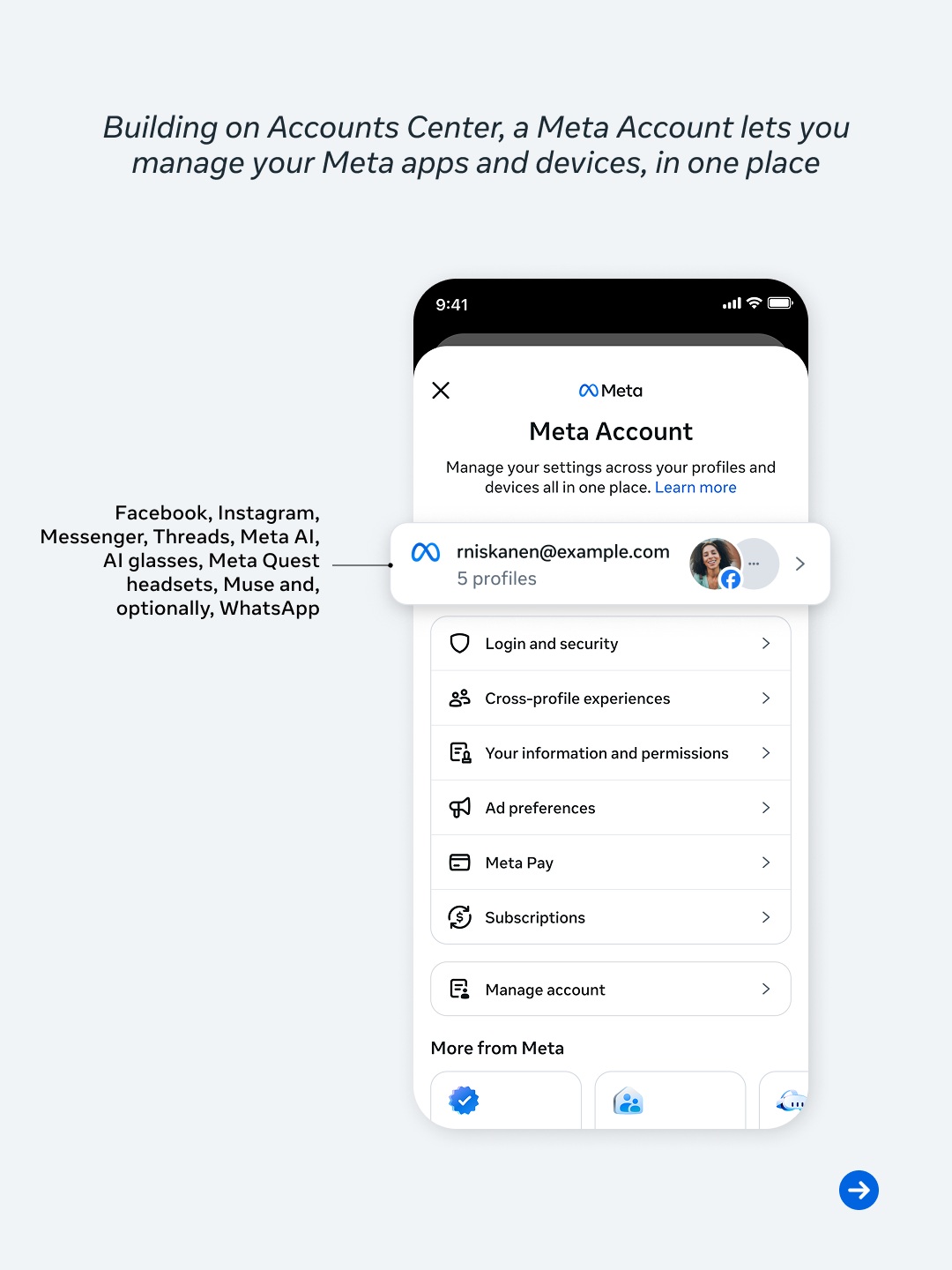
Some other points worth noting are:
- Accounts Center will automatically be updated to a Meta Account.
- Meta Account won’t force include your WhatsApp. The company says WhatsApp will only be included in your Meta Account if it’s already there in your Account Center. Otherwise, you can keep managing your WhatsApp the way you do it today, completely separate from Meta Account. For more info on this front, head here.
- Meta Account won’t include all app settings. The company says app-specific setting will remain managed independently from within the respective apps.
- Meta won’t force you to add all of your apps and devices to a single Meta Account. The company says you can have different Meta Accounts for different apps or devices.
- The company also makes it clear that Meta AI will be able to access information from the profiles – like Facebook, Instagram, etc. – added to Meta Account. More on that here.
For more details on Meta Account, refer to the official Meta Account announcement post.
What’s happening now?
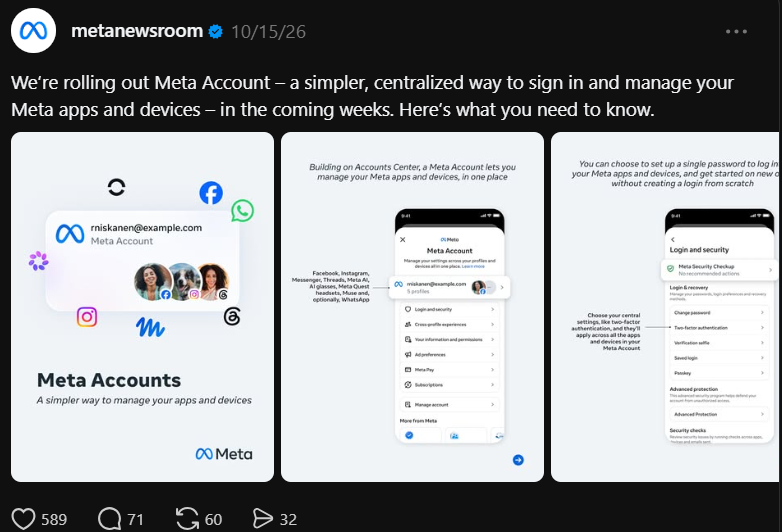
At the time of announcement back in April this year, Meta said the Meta Accounts feature will begin rolling out “gradually over the next year.” And in line with that, the rollout has begun. Here’s the official announcement from Threads:
And I am also seeing Facebook and Instagram users reporting seeing notifications related to this change.
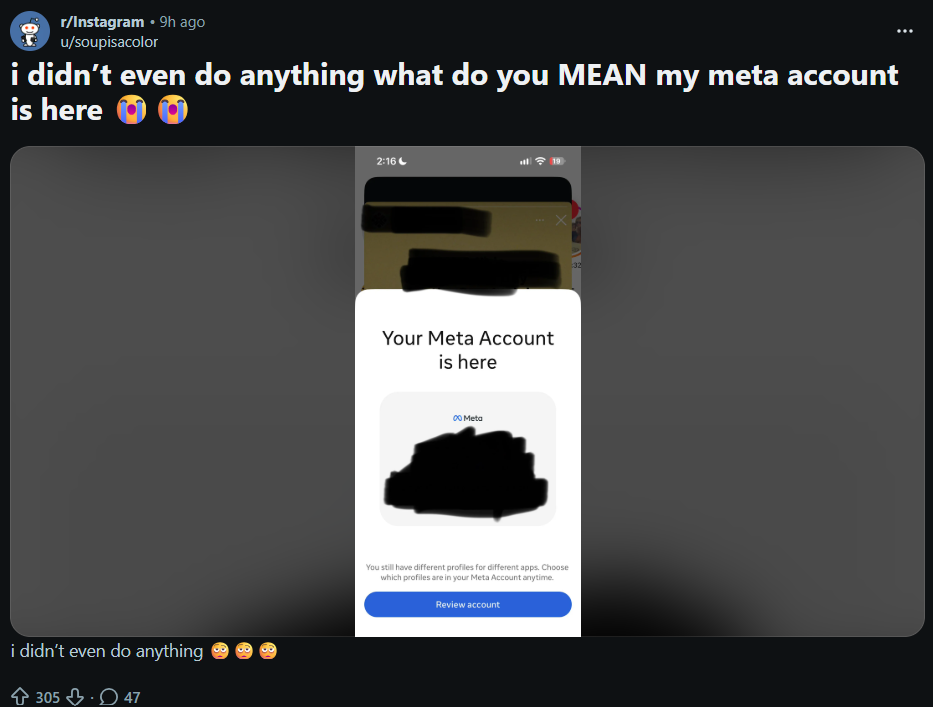
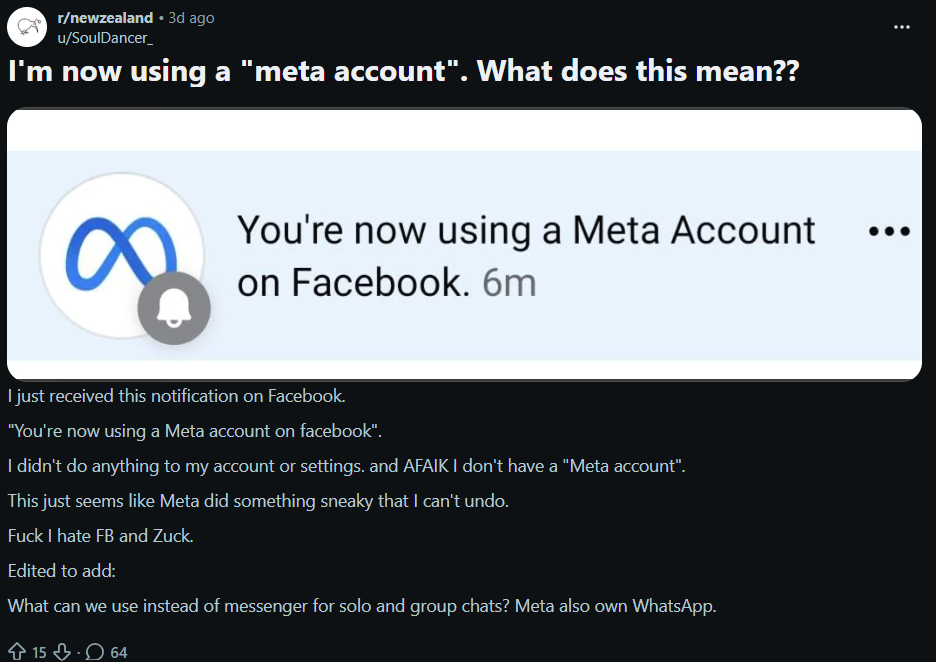
The rollout doesn’t seem limited to a particular country, as users from New Zealand to Czech Republic are all noticing this change.
So, if you have received any such notification on any of the Meta services or devices that you use, now you know what it is all about.
Can you say NO to Meta Account?
I am seeing user concerns that this change will make it easy for hackers to compromise all your Meta services’ accounts in one go. Not only that, but some users are also speculating that an official ban on one of the accounts (like Instagram) will result in all your other accounts getting banned as well.
Currently it’s difficult to say how legit these concerns are as Meta hasn’t officially said anything on these fronts.
While you can’t stop this change and rebranding from happening, you surely can remove individual profiles – like Facebook, Instagram, Threads, etc. – from your Accounts Center before it rebrands to Meta Account.
Conclusion
Given the approximately six months gap between announcement and rollout, it’s understandable why users (who are seeing the notifications related to Meta Account) are confused. I hope this article gave you enough information on everything related to Meta Account so that you can take an informed decision on how to proceed.
TechIssuesToday primarily focuses on publishing 'breaking' or 'exclusive' tech news. This means, we are usually the first news website on the whole Internet to highlight the topics we cover daily. So far, our stories have been picked up by many mainstream technology publications like The Verge, Macrumors, Forbes, etc. To know more, head here.



Himanshu Arora
296 Posts
I have been writing tech-focused articles since 2010. In my around 15 years of experience so far, I have written for many leading publications, including Computerworld, GSMArena, TechSpot, HowtoForge, LinuxJournal, and MakeTechEasier to name a few. I also co-founded PiunikaWeb, which went on to become a huge success within 5 years of its inception. Here at TechIssuesToday, I aim to offer you helpful information in a way that you won't find anywhere else easily.


Follow Us

