









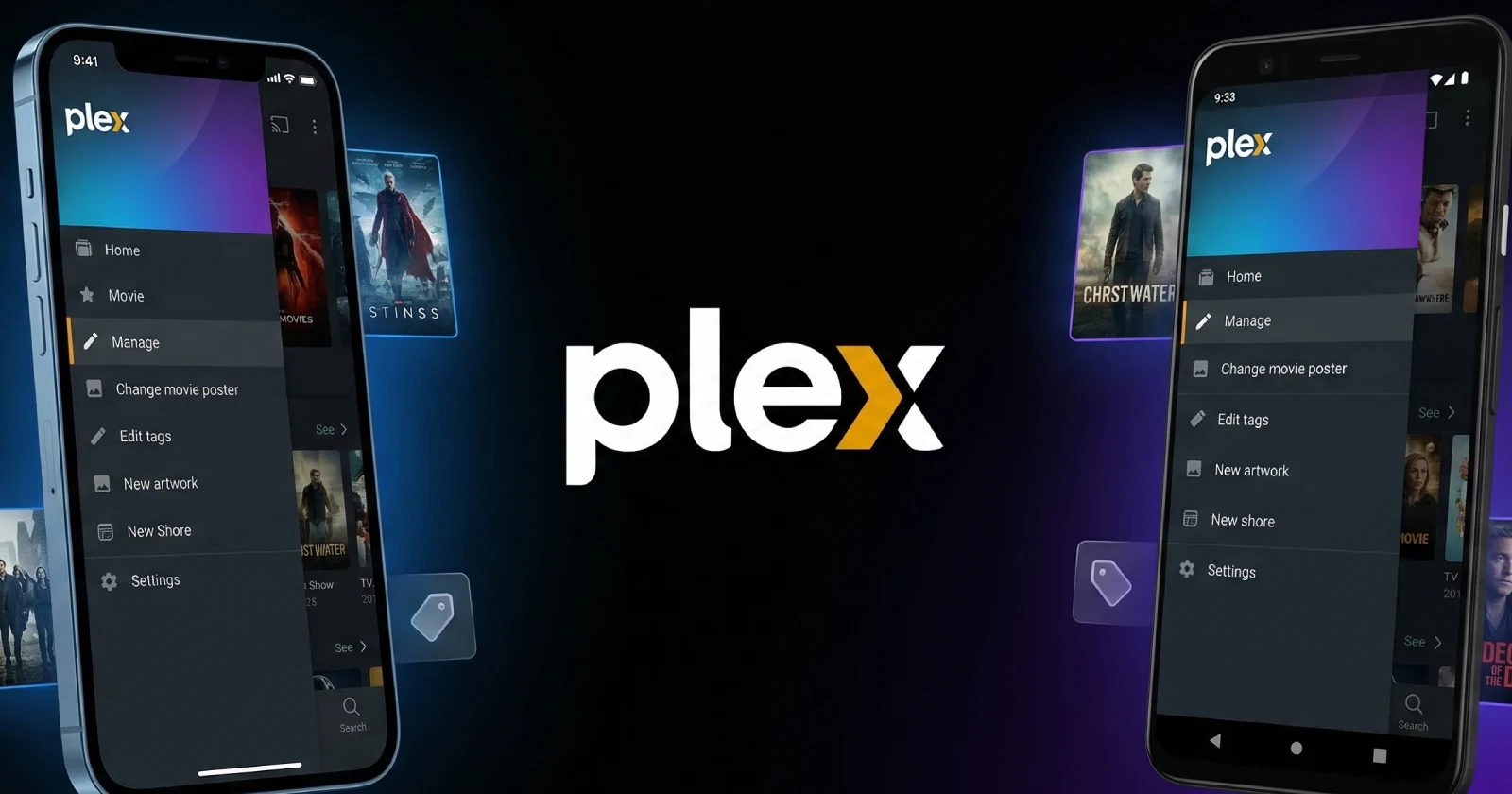
Plex just released version 2026.4.0 for its iOS and Android apps, and it finally brings full metadata editing to mobile. You can now fix posters, update episode information, change tags, replace artwork, and do a bunch of other edits directly from your phone.
Until this update, doing any of those things on mobile meant pulling up the web client in a browser. It was never designed well for phones, and it drove a lot of people crazy.
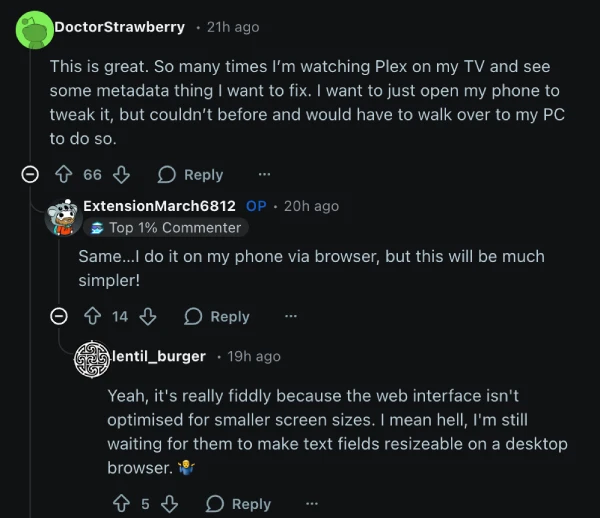
One person in the comments under the post on Reddit said they wanted to just open their phone to make tweaks, but always ended up having to go to their PC instead. That annoyance pushed quite a few people toward third-party tools like Plex Dash for even basic media management.
Finding the new tools is easy. Tap the three-dot menu or long-press on a personal media title and select Manage. From there you can edit metadata for movies, TV shows, seasons, episodes, playlists, and collections. You can swap out posters, backgrounds, and title logos. You can also update tags and labels, refresh the metadata, match or fix match or unmatch items, analyze content, view file info, and delete files. It matches what is available in the web client.
Plex is also working on further playlist improvements that will let you add, remove, and reorder items.
This fits into some bigger plans. Plex had been working on a separate server management app, but they have decided to scrap that idea and build everything into the main app instead. Metadata editing is just the first in a series of updates that will bring all the server and library management options currently only available in the web app over to mobile.
Some features will even make their way to TV apps where it makes sense. Music library support is returning to the regular Plex app soon, and they will do the same with Plex Photos. Once that happens, the separate Plex Photos app will be retired. Plexamp will remain as its own separate app.
Comments like “finally” and “about damn time” popped up almost immediately. One person said this was the first update note in years that actually made them want to update right away. Several users mentioned they no longer need Plex Dash at all.
The new version is already live. If you are not seeing the Manage options yet, try clearing the app cache, force closing it, and reopening or reinstall if necessary.
Featured image generated with AI
TechIssuesToday primarily focuses on publishing 'breaking' or 'exclusive' tech news. This means, we are usually the first news website on the whole Internet to highlight the topics we cover daily. So far, our stories have been picked up by many mainstream technology publications like The Verge, Macrumors, Forbes, etc. To know more, head here.



Dwayne Cubbins
1446 Posts
For nearly a decade, I've been deciphering the complexities of the tech world, with a particular passion for helping users navigate the ever-changing tech landscape. From crafting in-depth guides that unlock your phone's hidden potential to uncovering and explaining the latest bugs and glitches, I make sure you get the most out of your devices. And yes, you might occasionally find me ranting about some truly frustrating tech mishaps.


Follow Us

