


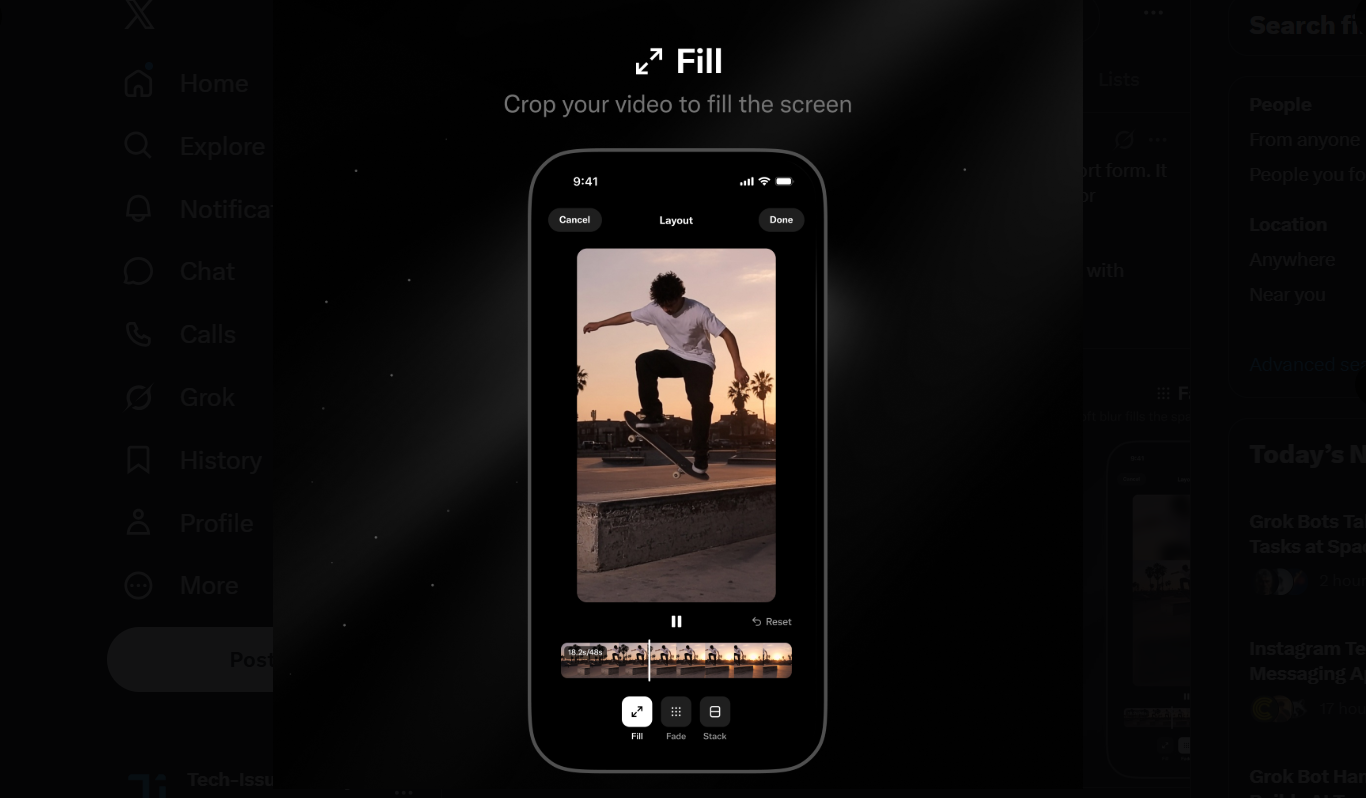
To all my short-form, horizontal video creators: do me a favor and start posting vertically :)
— Allegra Jacchia (@allegrajacchia) November 17, 2026
Our Layout feature (launched today) makes it so easy to transform your horizontal videos into vertical ones with just one tap.
Horizontal video is great for long-form content like… https://t.co/fLblbPIdXW pic.twitter.com/f4abzRebXj
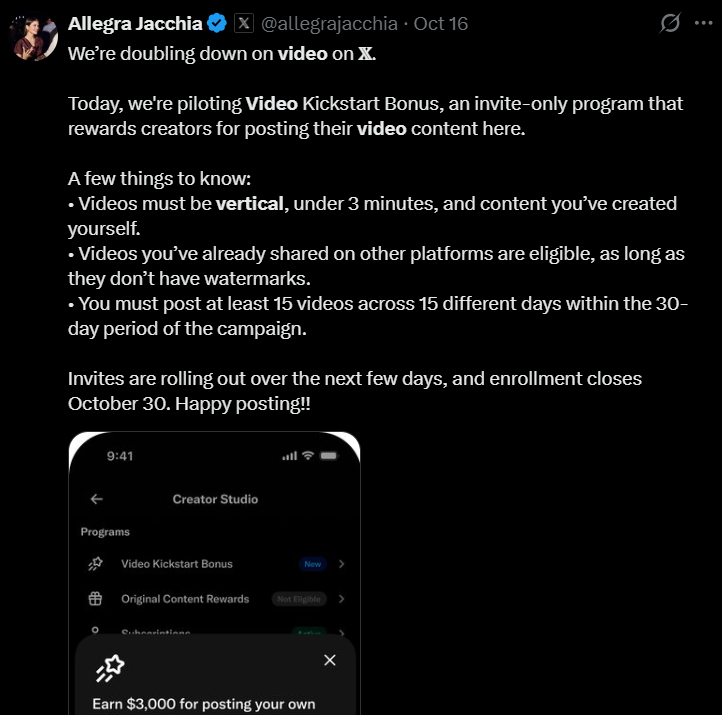
Last month, when X launched the Video Kickstart Bonus program (which rewards creators for posting their video content), one of the prime eligibility requirements of the invite-only program was vertical videos. Yes, X wanted creators to post videos in the vertical format in order to be eligible for earning money from the program.
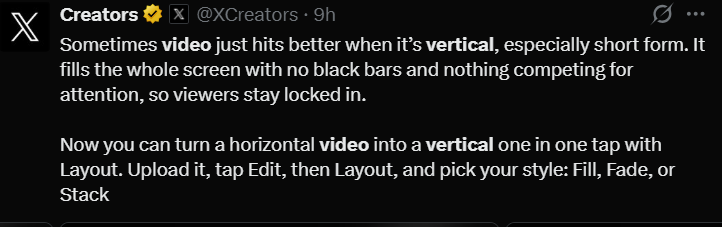
Now, the social media platform has made it super easy for users to convert their horizontal videos into vertical videos. The official @Creators account announced a few hours ago that X now lets you make this conversion with just a few taps, thanks to the new Layout feature.
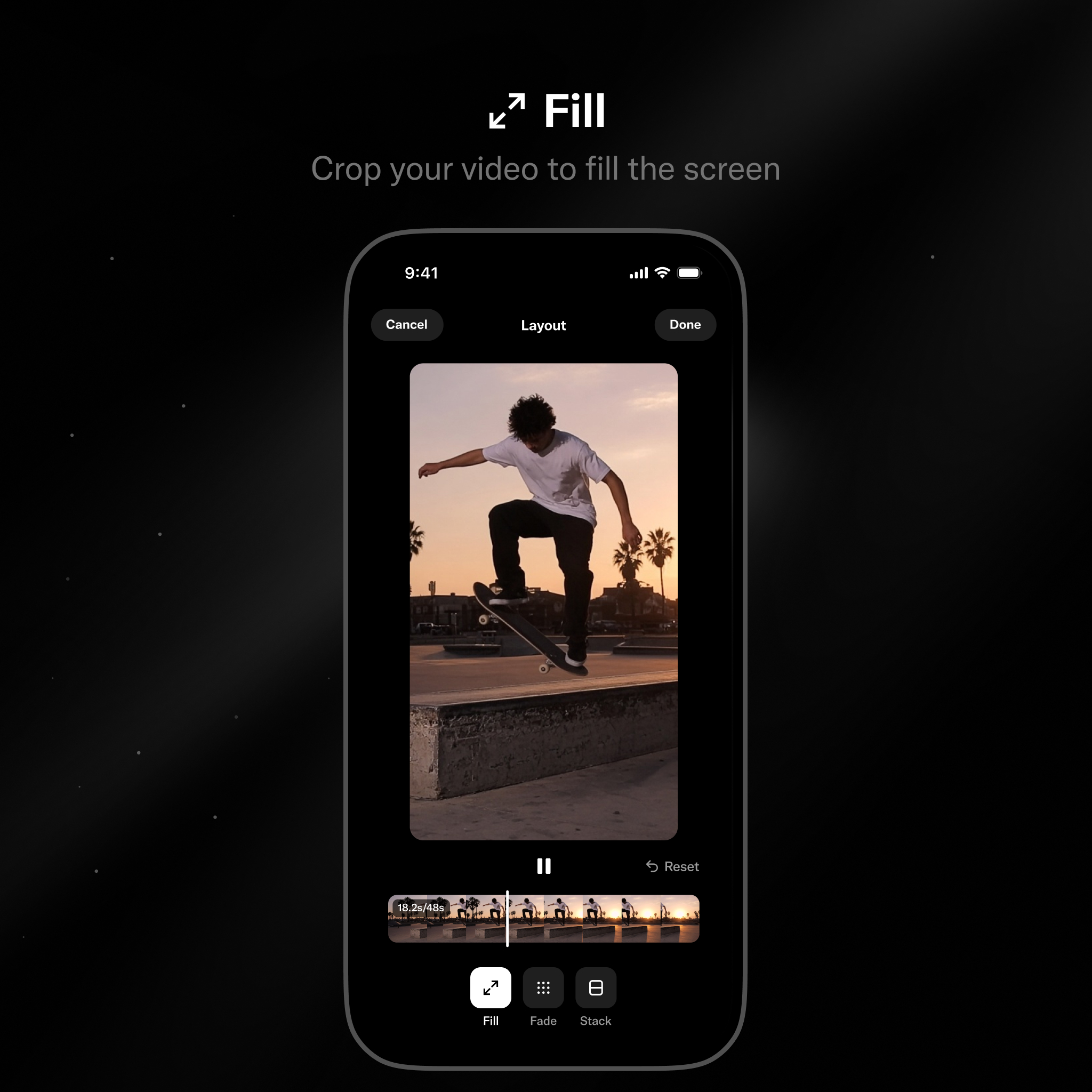
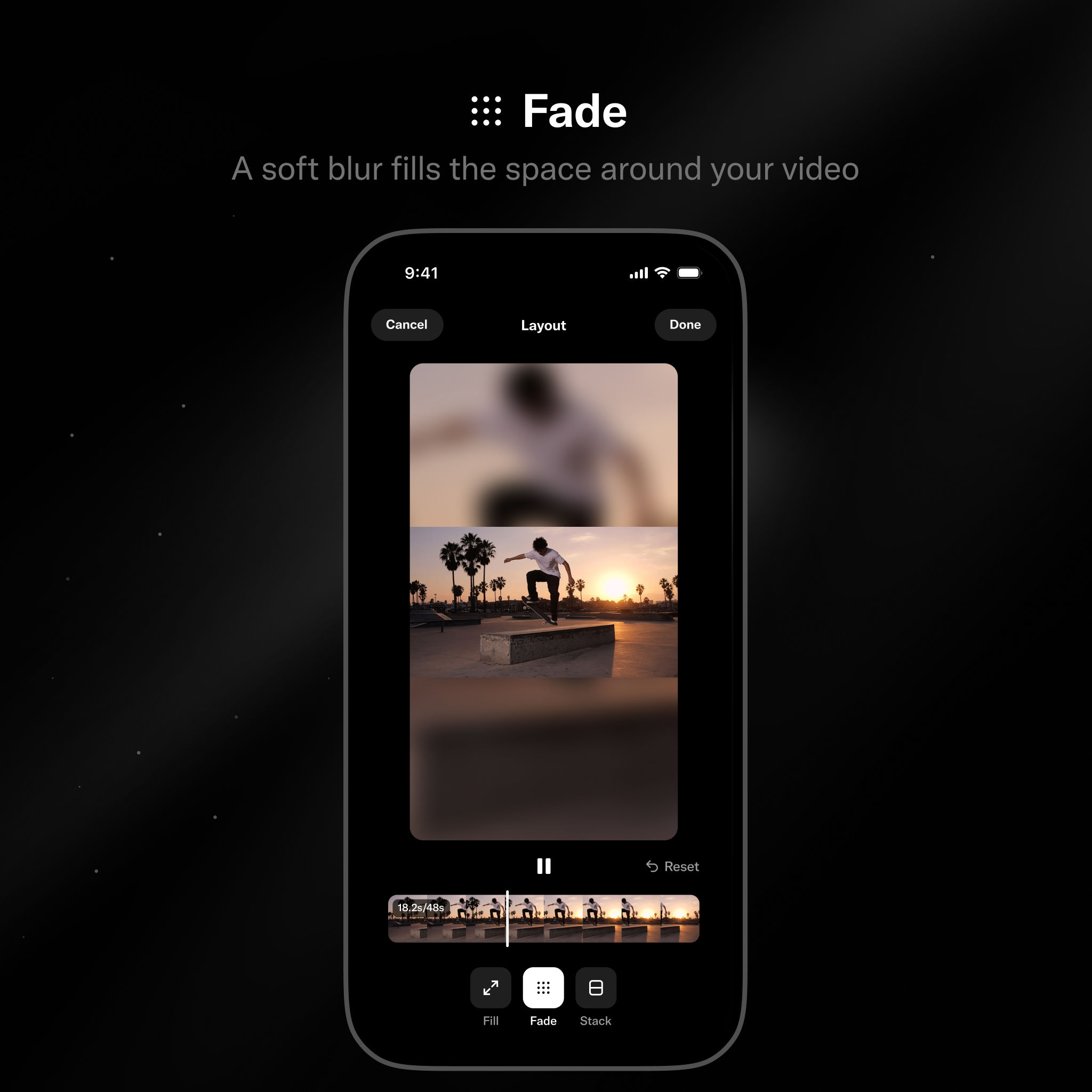
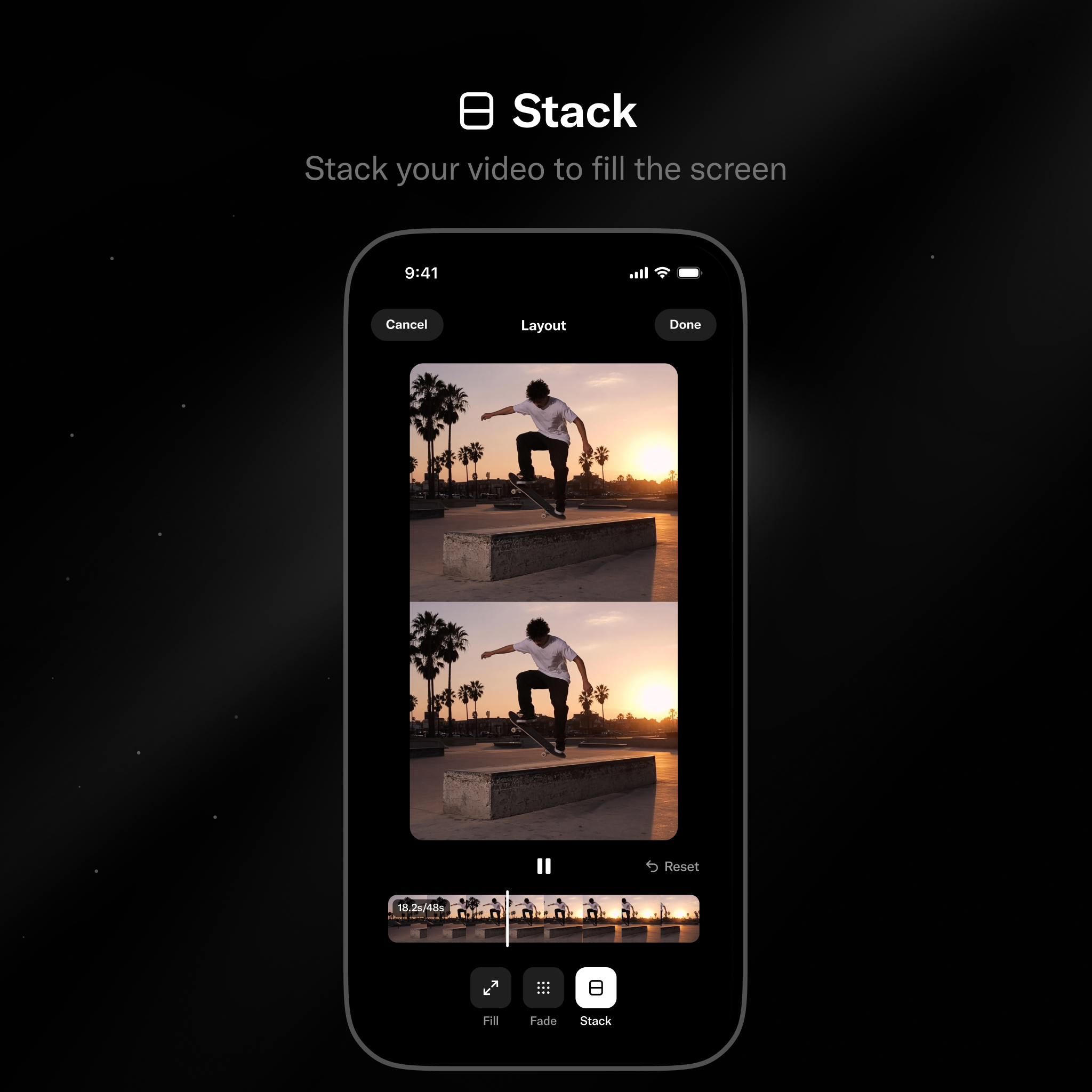
All you have to do is to upload your horizontal layout video, then tap Edit, then Layout, and finally, just pick your style: Fill, Fade, or Stack.
As clear from the names, the Fill layout ensures the converted video fills up all the screen space, leaving no black bars around. Fade adds blur to the top and bottom, while zooming out the video a bit. And finally, Stack adds a copy of the same video vertically in order to fill up the screen.
Allegra Jacchia from the X Product team said:
To all my short-form, horizontal video creators: do me a favor and start posting vertically 🙂
Our Layout feature (launched today) makes it so easy to transform your horizontal videos into vertical ones with just one tap.
Horizontal video is great for long-form content like podcasts and interviews, which are typically watched in full screen or on larger devices. But for short-form content, vertical is the way to go.
Most short-form videos are consumed on the go, on mobile. No one wants to watch a video surrounded by black bars. They want content that fills their screen and pulls them in.
A small change in format can make a big difference in the viewing experience, helping you capture attention, keep viewers engaged, and ultimately drive more views and better performance.
She also shared her own video edits using this feature:
Sadly, the feature hasn’t arrived on my device yet. I even updated the app, but the Layout option still didn’t appear for me in the Edit video settings. It’s likely the rollout is staggered at the moment.
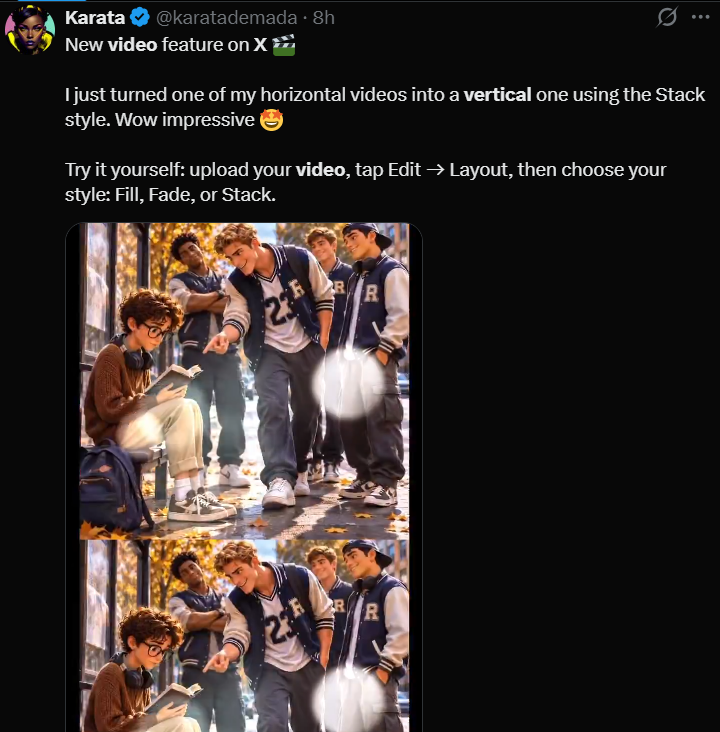
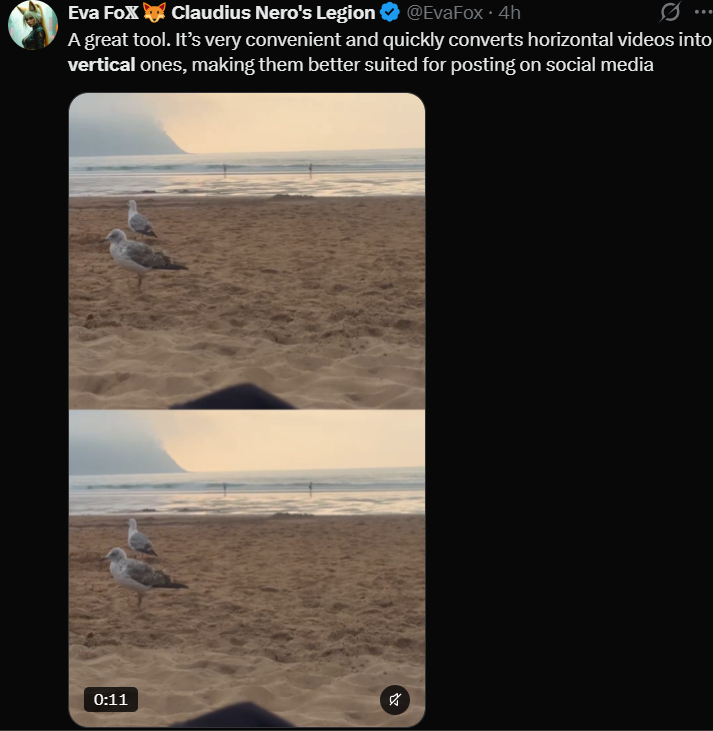
However, some users, who got this functionality, posted their feedback on X, and based on that it’d not be wrong to say the reception has largely been positive.
Have you tested X’s new horizontal to vertical video convertor yet? How has your experience been so far? Share in the comments section below.
TechIssuesToday primarily focuses on publishing 'breaking' or 'exclusive' tech news. This means, we are usually the first news website on the whole Internet to highlight the topics we cover daily. So far, our stories have been picked up by many mainstream technology publications like The Verge, Macrumors, Forbes, etc. To know more, head here.



Himanshu Arora
303 Posts
I have been writing tech-focused articles since 2010. In my around 15 years of experience so far, I have written for many leading publications, including Computerworld, GSMArena, TechSpot, HowtoForge, LinuxJournal, and MakeTechEasier to name a few. I also co-founded PiunikaWeb, which went on to become a huge success within 5 years of its inception. Here at TechIssuesToday, I aim to offer you helpful information in a way that you won't find anywhere else easily.


Comments
Follow Us

