



If your X feed has felt weirdly repetitive over the past day, you’re not imagining it. A new screenshot option in the X app for Android has a lot of people losing their minds and posting about it over and over again.
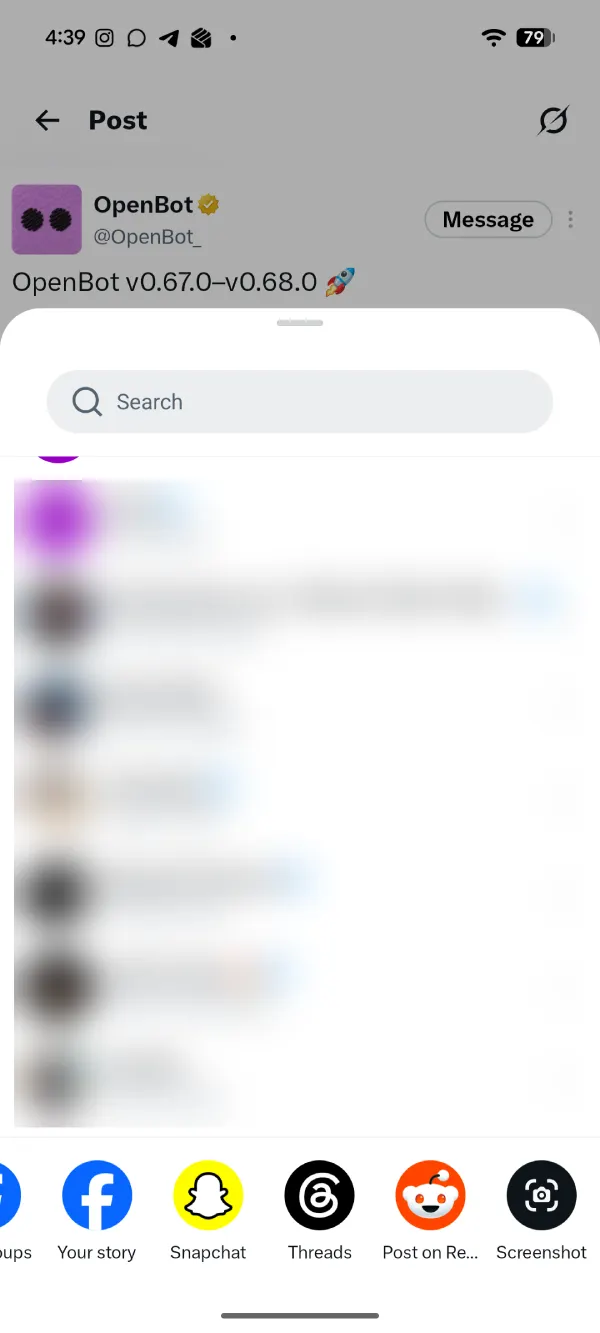
The idea behind the feature is pretty straightforward. If you find any post on your feed that you want to share, you can just tap the share button and then scroll the row of sharing options all the way to the end. Here, you should see a new Screenshot option.
Tap it, and X generates a neatly framed image of the post, with the author’s name, the text, any attached image, and the engagement counts, plus a small X logo in the corner. You can then save it to the gallery or copy it to the clipboard.
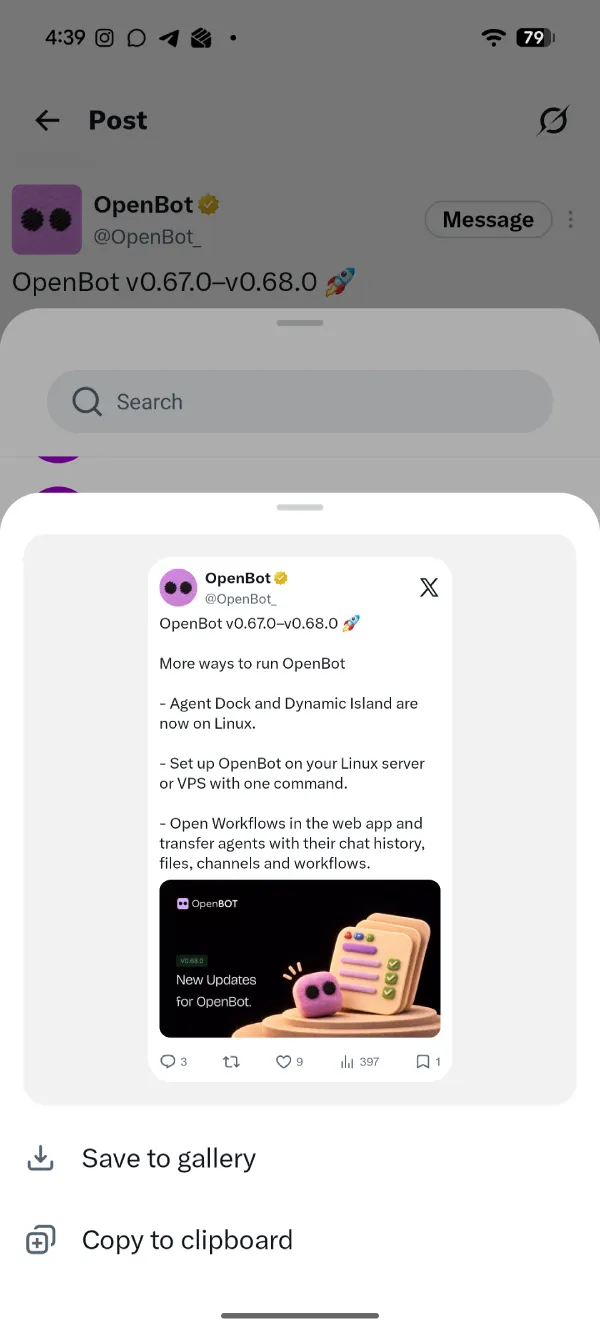
Sure, you could always take a regular screenshot, but then you’d have to crop out the status bar, the navigation buttons, the replies, and whatever else happened to be on screen. This version is already cropped and tidy, and ready to drop into a chat, a story, or an article.
Wait, hasn’t this been around forever?
That’s what a lot of the replies claim, but no. If X had a built-in way to do this, there wouldn’t be a whole cottage industry of websites and apps that exist just to turn a tweet into a nice-looking image. People have been pasting post links into those tools for years because the app never offered anything like it.
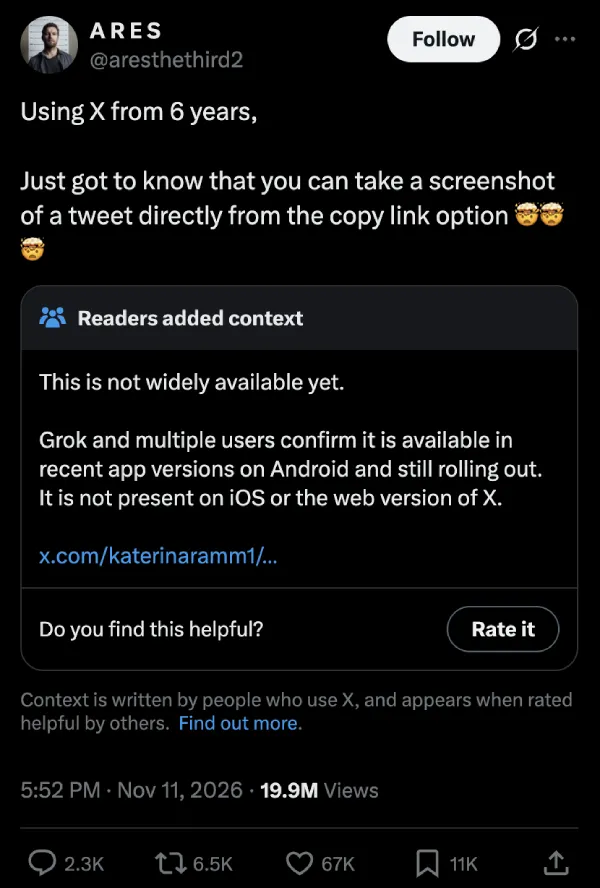
It’s also clearly brand new for a lot of people. One user who’s been on the platform for six years posted that they “just got to know that you can take a screenshot of a tweet directly from the copy link option 🤯🤯🤯.” That post has racked up close to 20 million views and more than 67,000 likes.
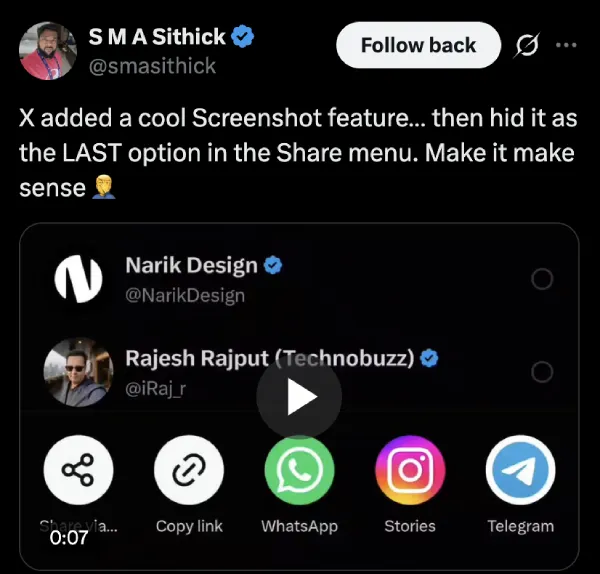
Not everyone is impressed with where X put it, though. One user pointed out that X “added a cool Screenshot feature… then hid it as the LAST option in the Share menu. Make it make sense 🤦♂️” That’s a fair complaint. You have to swipe past every other app on your phone to reach it.
It’s also worth noting that the feature is currently only showing up in the Android app. Folks on iOS devices will have to wait for a future update to add the feature. And in case you’re still not seeing the Screenshot option in the share menu, then maybe go poking around the Play Store to see if there’s any pending update for the X app.
Why is everyone posting the same thing?
Well, as soon as posts like the six-year one blew up, copycats followed, many using almost the same wording and claiming 10, 14, or even 18 years on the platform. Timelines filled up with them within hours.
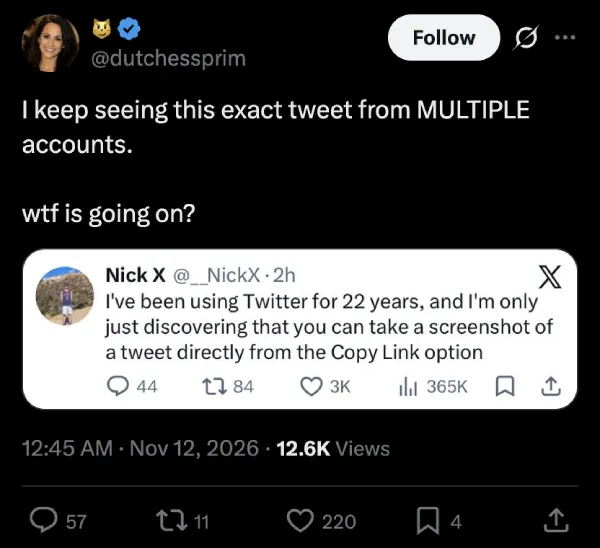
While the feature itself is pretty neat, people are frustrated with the flood of posts surrounding it. To me, it looks like folks are trying to take advantage of X’s algorithm, which pushes posts to more eyeballs when they get shared. Since people seeing these posts will obviously want to test it out for themselves, they’ll be unintentionally boosting the post by clicking the share button on it, signaling to the algorithm that it’s time to boost the post further since people seem to be liking it enough to share it.
If the repeat posts are wearing you down, muting phrases like “copy link option” or “screenshot of a tweet” under Settings and privacy > Privacy and safety > Mute and block > Muted words should clean up your feed until the hype dies down.
TechIssuesToday primarily focuses on publishing 'breaking' or 'exclusive' tech news. This means, we are usually the first news website on the whole Internet to highlight the topics we cover daily. So far, our stories have been picked up by many mainstream technology publications like The Verge, Macrumors, Forbes, etc. To know more, head here.



Dwayne Cubbins
1489 Posts
For nearly a decade, I've been deciphering the complexities of the tech world, with a particular passion for helping users navigate the ever-changing tech landscape. From crafting in-depth guides that unlock your phone's hidden potential to uncovering and explaining the latest bugs and glitches, I make sure you get the most out of your devices. And yes, you might occasionally find me ranting about some truly frustrating tech mishaps.


Follow Us

